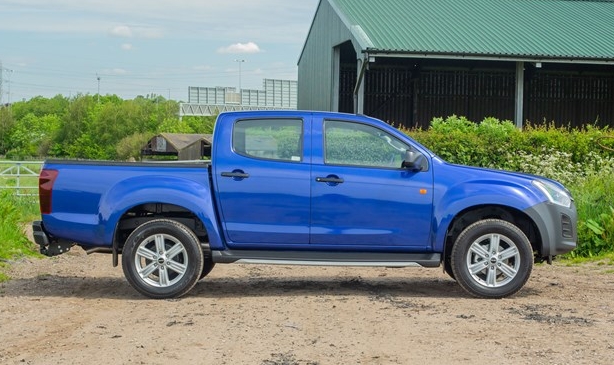
Changes to legislation of Dual Cab Pick-Ups
HM Revenue and Customs (HMRC) is making some changes to the guidance on the Benefit in Kind treatment of double cab pickups (DCPUs). This new guidance (EIM23151) has been brought in to clarify these updated rules, which will come into effect from the 1st of July 2024. It states that the classification of double cab […]
Read more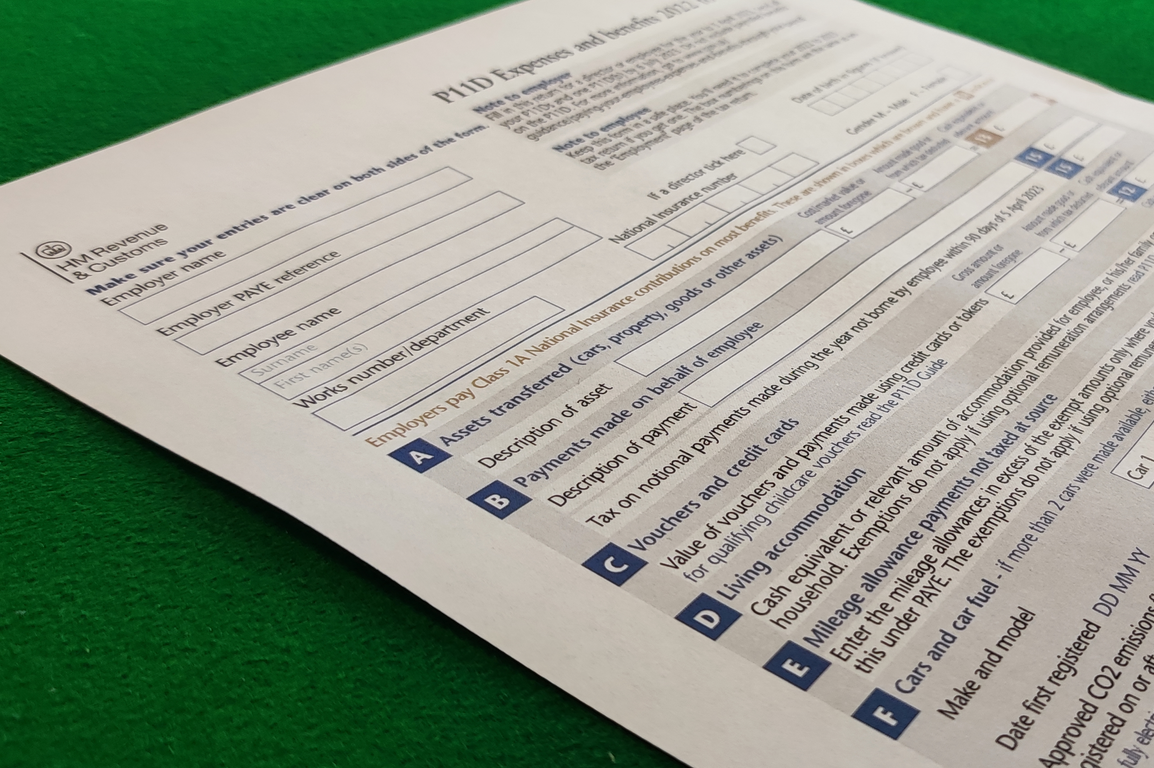
HMRC No Longer Accepting Paper P11D and P11D(b) Forms
You may have read in the latest Employer’s Bulletin that HMRC has announced that from 6th April 2023, it will no longer accept paper P11D and P11D(b) forms. An extract of the article is below: From 6 April 2023 all P11D and P11D(b) must be reported online For the 2022 to 2023 reporting year we will no […]
Read more
What’s the Difference Between AFR and AMAP?
Background When you use your car for business travel, you are entitled to claim back your ‘mileage’ so that you are not out of pocket for doing your job. The rules behind what you can claim differ based on the ownership of the car, as company cars are treated differently to privately owned cars. The […]
Read more
Response for Apache Log4j2 Issue
PAS Ltd continually monitor the threat landscape for attacks, and as such have checked our products and services to understand if/and where Apache Log4j2 maybe used – however we can confirm that we have no instances of this library in our services or systems. The vulnerability, known as CVE-2021-44228 and referred to as “Log4Shell,” affects Java-based applications that use […]
Read more
Payrolling Benefits Informally Stops From Tax Year 2021-22
There are still some business that payroll benefits informally – they have not registered to use the online service, and have an agreement with HMRC to payroll informally. From tax year 2021-22, this is no longer an option, and these people will now also required to register for payrolling benefits (prior to the start of […]
Read more
Moving to the Cloud
Not everyone is aware that we offer the P11D Organiser as a full SaaS/Hosted offering as well as a locally installed solution, but we do! The best news is that it is easy to move from an onsite solution to our SaaS offering – we can migrate all your existing historic data to our secure […]
Read more
Complimentary Secure Offsite Backup
Sadly one of the trends we saw amongst our customers during lockdown was that of ‘lost data’, where a customer had lost access to their P11D information. Sometimes this was due to them trying to move an installation from one location to another to ‘take home’, sometimes it was because the laptop the took home […]
Read more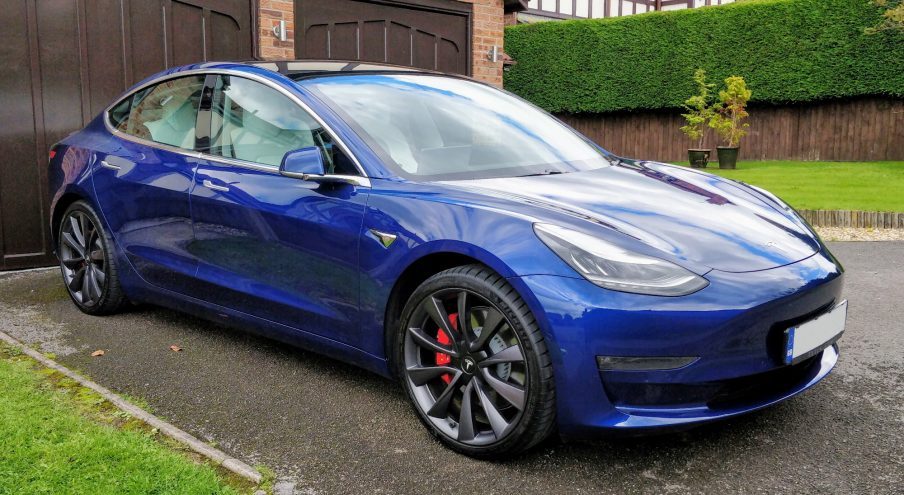
Is the end of the ICE age coming?
Electric cars are starting to become mainstream, and a combination of current events may speed the uptake even further.
Read more
HMRC encourages a shift to more environmentally-friendly vehicles.
It was announced by HMRC that company car drivers using zero emission cars will pay no company car tax in 2020-2021.
Read more
Voluntary Payrolling of Company Cars
If you have elected to voluntarily payroll company cars as a Benefit in Kind (BiK) via the HMRC, from April 2018 you will have to payroll your car data. It will be mandatory from this time to submit your car data information on your FPS (Full Payment Submission).
Read more